


In the Purchases section, you can review your previous orders, check their status, and download available invoices.
To view your purchase history:
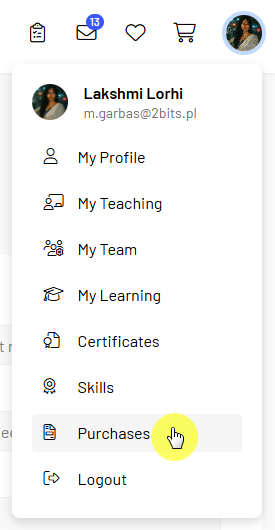
A list of orders associated with your account is displayed.
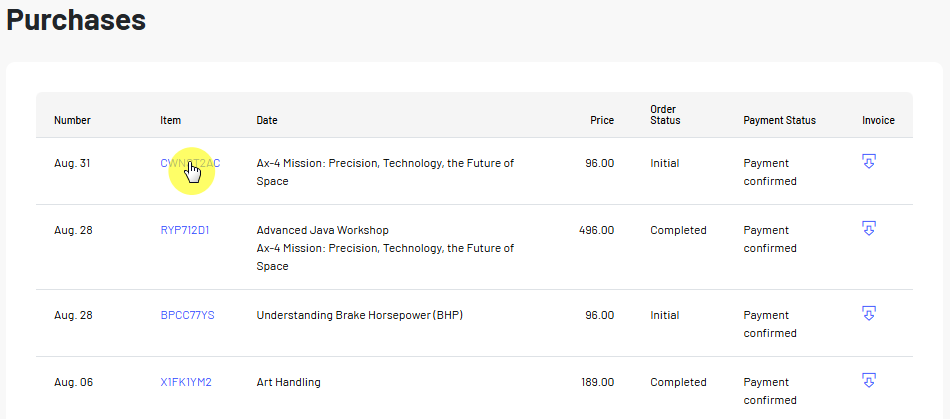
The purchase history provides information about each transaction.
For each order, you can check:
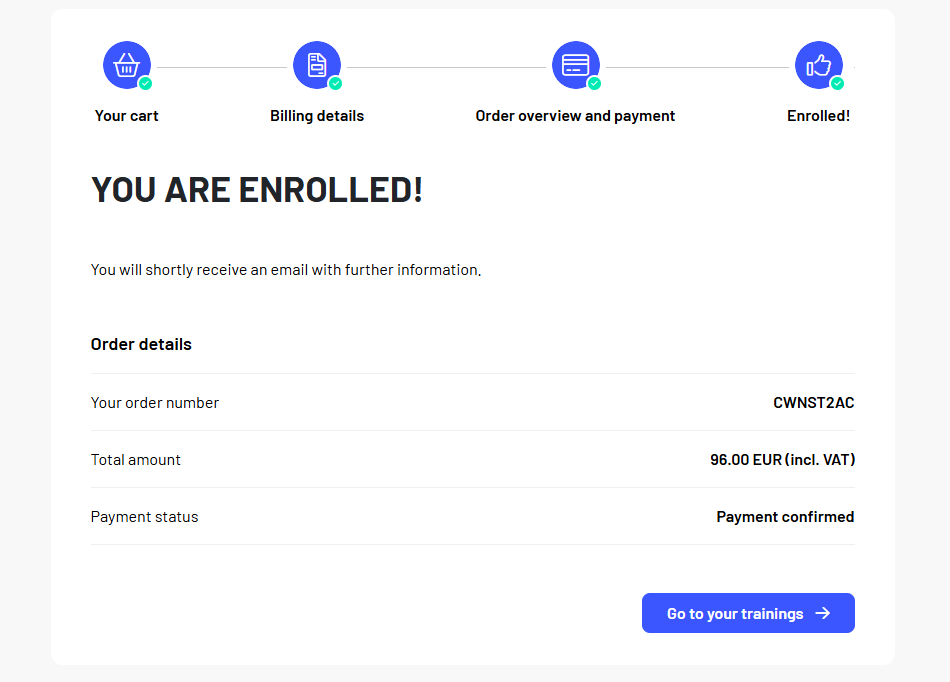
The order number helps you identify a specific transaction, especially if you have made multiple course purchases.
If an invoice is available for an order, a download icon is displayed in the invoice column.
To download an invoice:
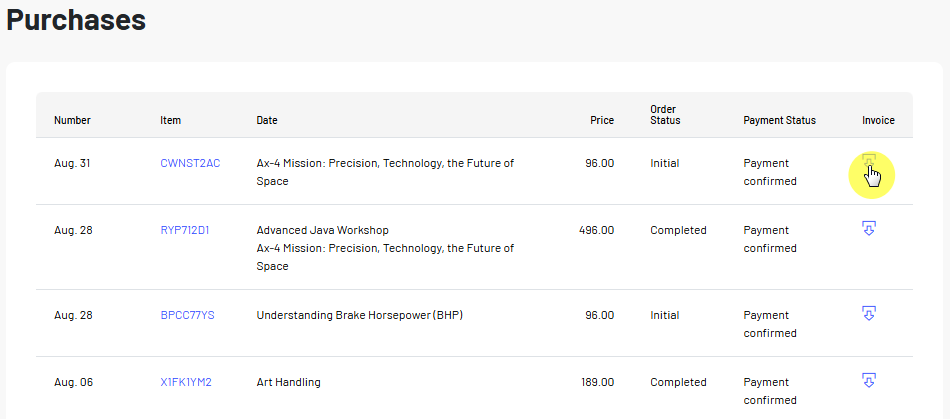
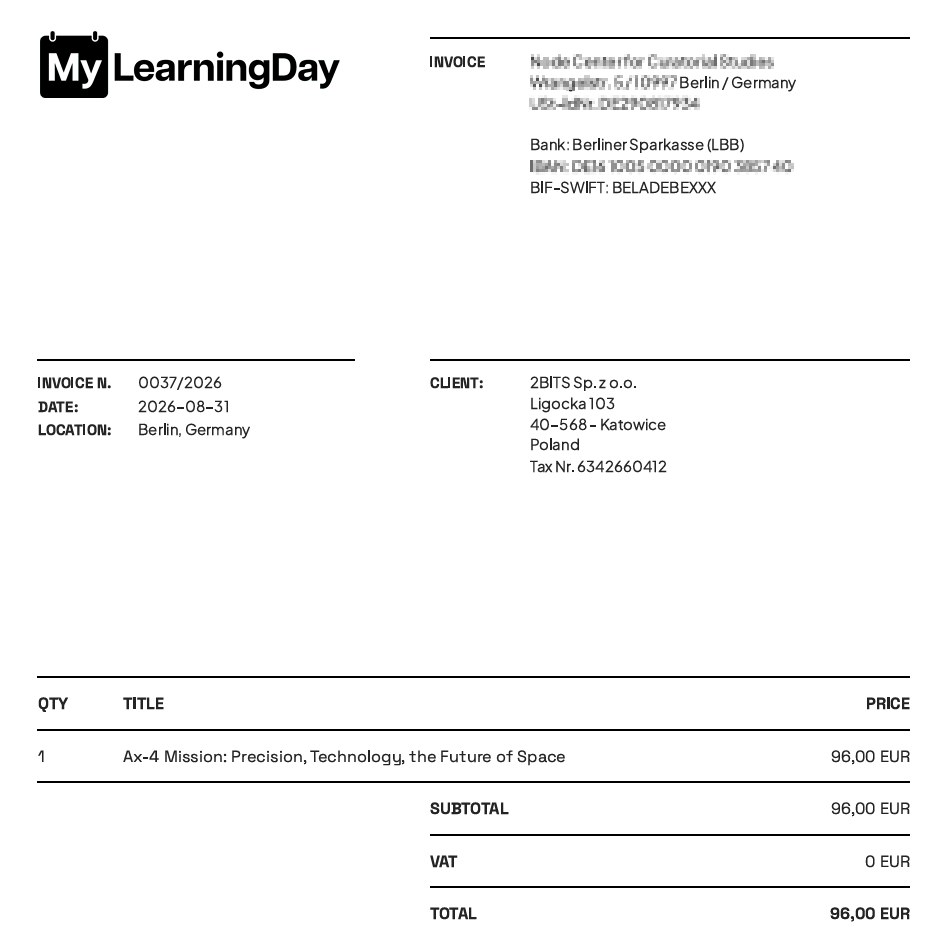
The invoice includes information about the order and the billing details provided during the purchase.
Note: An invoice may not be available for every order. Its availability depends on the type of transaction and the billing information provided during the purchase.
 See also: Purchasing a Course | My Trainings