


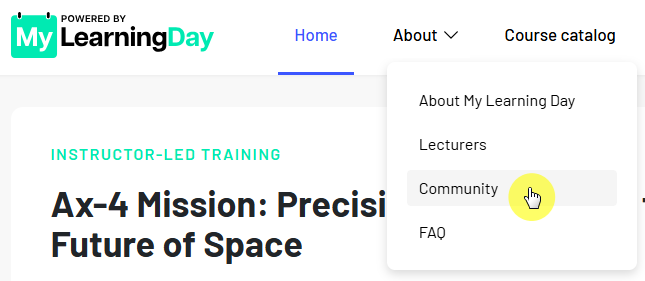
In the Community section, you can search for other MyLearningDay users, view the information they have shared, and see the skills they have earned.
For example, you can search for a specific person or find users who have earned a particular skill.
To find a user:
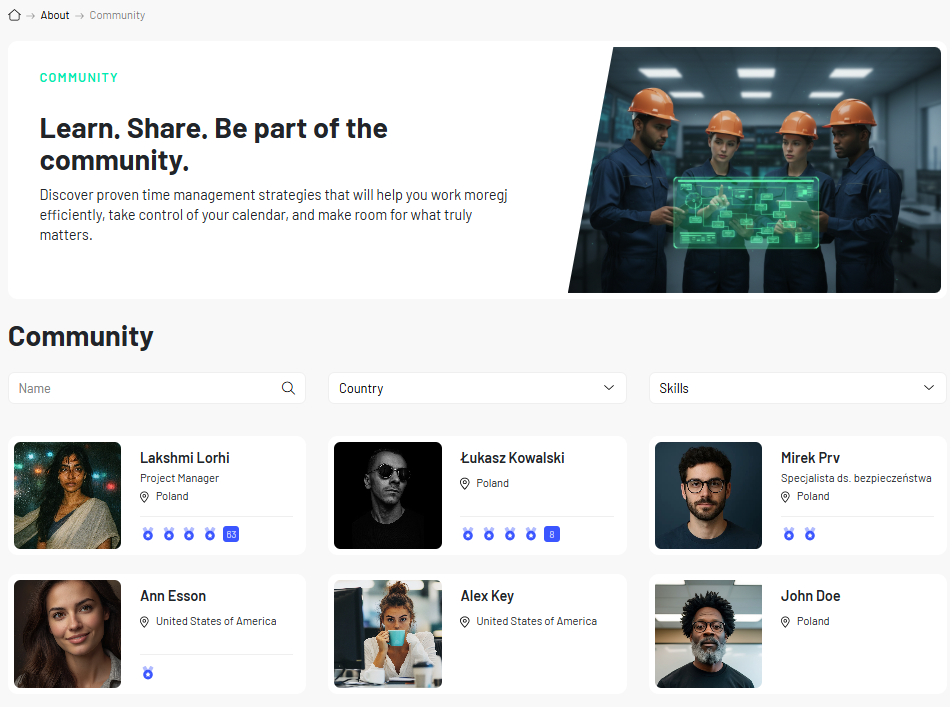
The list shows basic information shared by users, along with the skills they have earned.
Filtering by skill allows you to find people who have earned a specific skill in MyLearningDay.
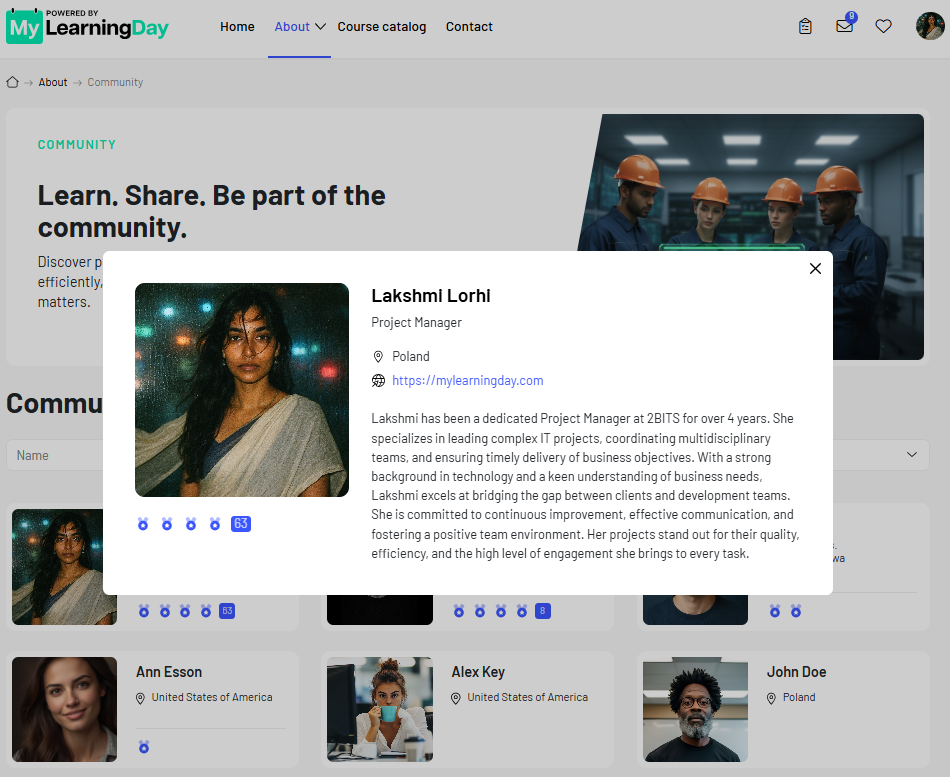
To learn more about a specific person:
The information available on a profile may vary between users and depends on what they have chosen to share.
Note: A user's visibility in the Community depends on their profile visibility settings. As a result, not every MyLearningDay user may be visible in the Community.
 See also: My Profile and My Certificates and Skills