


If external sign in methods are available in MyLearningDay, you can use an existing account from a supported provider instead of creating a separate password for MyLearningDay.
To create an account:
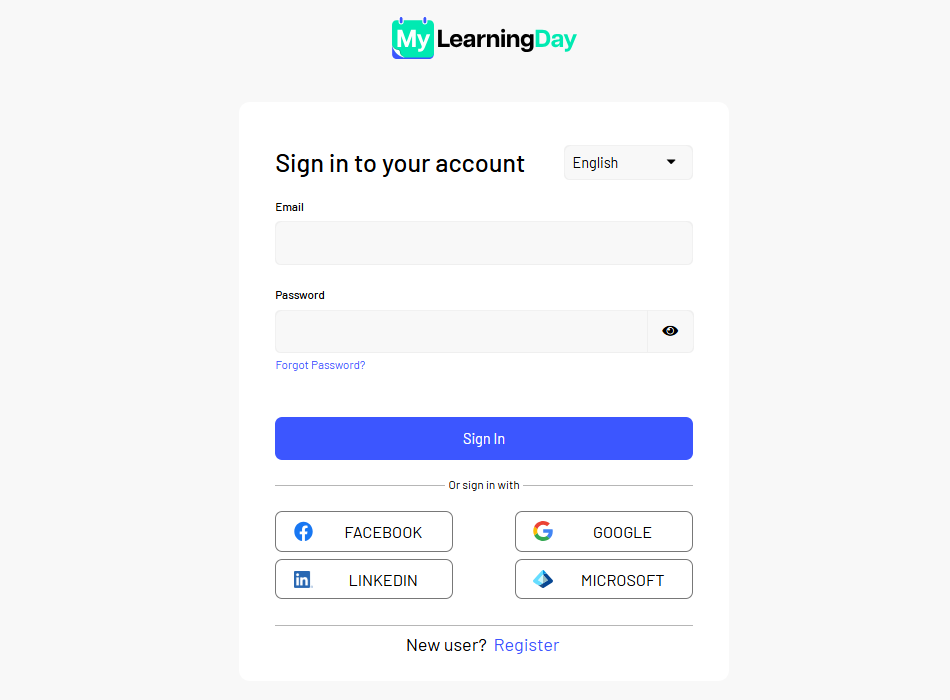
Note: The available external sign in methods depend on the MyLearningDay configuration. The authentication process may vary slightly depending on the selected provider.
When you register this way, your email address is verified by the external account provider, so you do not need to activate your account separately by email.
Once the registration process has been completed successfully, your MyLearningDay account is ready to use.
Done! Your account has been created. You can now use the features available to signed in users.
Note: Creating a Business Account is not a separate registration method. If the Business Account feature is available, you can later convert your existing user account into a Business Account from your profile settings.