Employee Training
Onboard, train and develop your workforce.
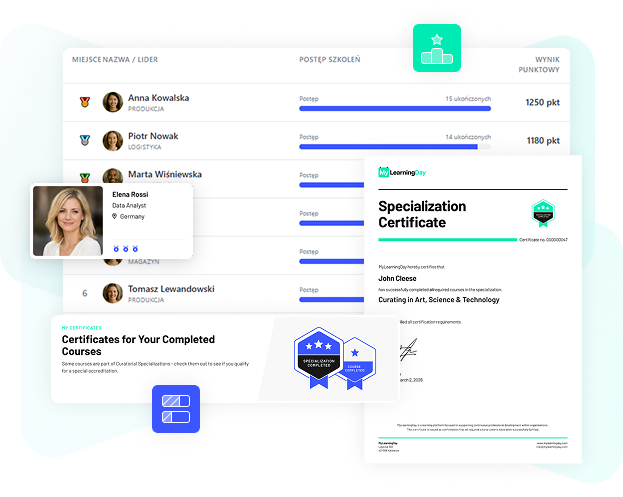
Completing a course is not always the end of the learning process. MyLearningDay lets you connect training with skills, track progress toward them and recognize achievements with certificates.
BOOK A DEMO
Create skills that represent the knowledge and capabilities developed across your organization.

Define which courses and training activities learners need to complete to acquire a skill.

See how much of the required training has been completed and what remains before a learner achieves the skill.

Use certificates to provide formal recognition of training completion or skill achievement.
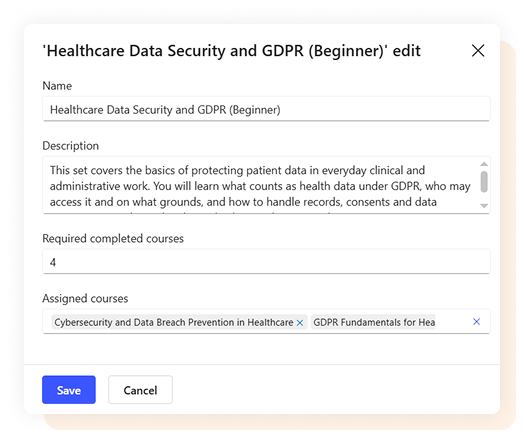
A skill may require more than a single course. MyLearningDay lets you connect multiple training activities to one defined learning outcome.
Learners can see their progress, for example 2 of 3 required courses completed, making it clear what they have achieved and what remains to be done.
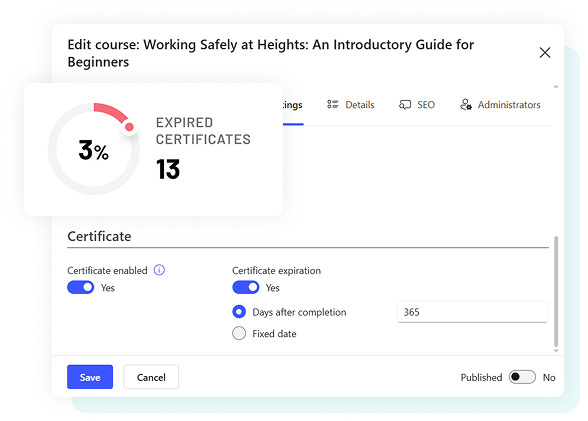
A certificate can confirm training completion, but in many training processes it is equally important to know how long that certification remains valid.

Recognize the completion of specific courses and training.

Document the achievement of a skill that requires defined training to be completed.

Give learners access to a document confirming their achievement.

Define certificate validity periods and monitor expiration.
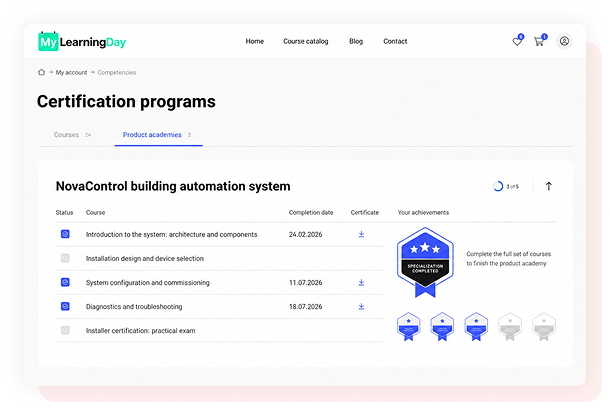

Connect training with skills required for specific roles and development areas.

Confirm required training completion and keep track of certificate validity.

Build processes where certification requires learners to complete multiple stages of training.

Use certification to recognize product knowledge and completion of structured training programs.
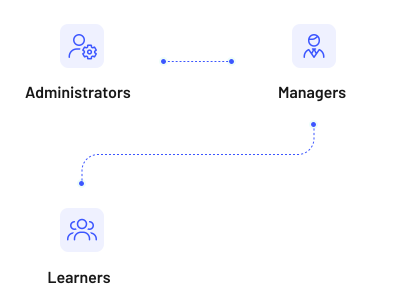
Learners - See skills in progress, required training and earned certificates.
Managers- Monitor team training and certificates, including their expiration dates.
Administrators- Manage the relationships between training, skills and certification.
This makes development information useful not only for LMS administrators, but also for learners and the managers responsible for their teams.

Build multi stage learning processes that lead to defined skills and outcomes.

Give managers visibility into team training, progress and certificates.
Yes. A skill can be connected with multiple courses, and learners can track their progress across all required training.
Yes. MyLearningDay lets you define certificate validity periods and monitor expiration.
Yes. Learners can view their certificates and download them as PDF files.
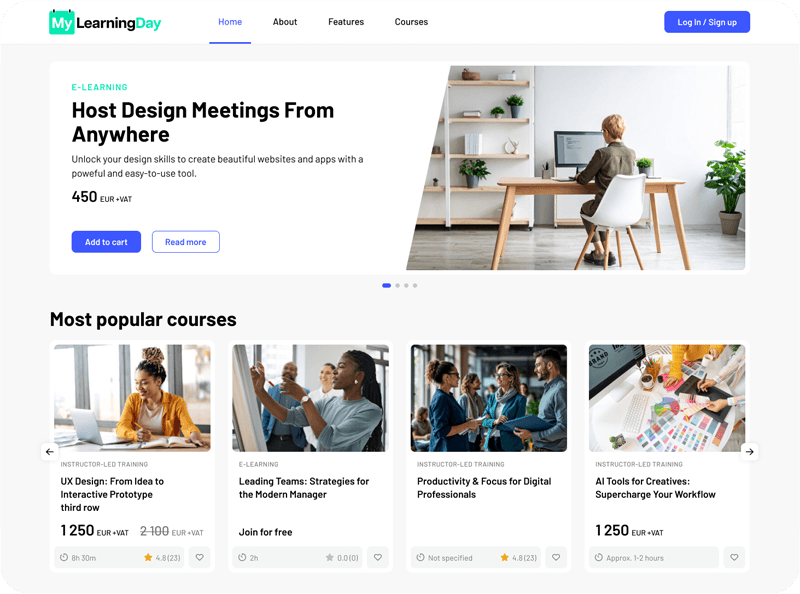
Connect learning with skills and certification to make training outcomes more visible across your organization.