Employee Training
Onboard, train and develop your workforce.
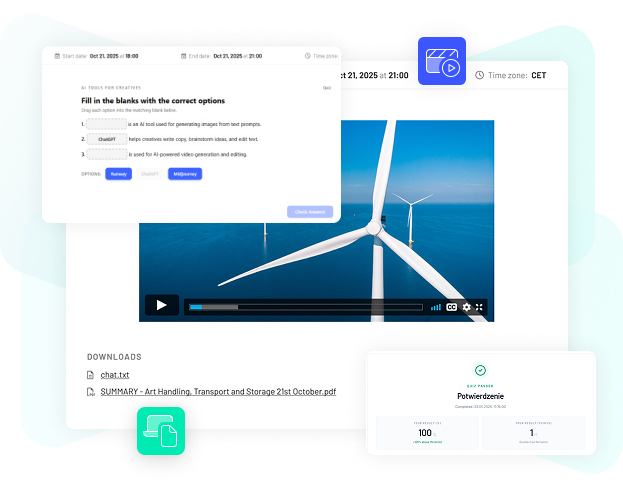
Build complete e learning courses in one environment. Combine learning materials, multimedia, assessments and interactive activities, structure the learning process and publish your courses directly in MyLearningDay.
BOOK A DEMO
Combine text, documents, PDFs, video and other learning resources within a single course.

Check knowledge with assessments and different question types, and make training more engaging with interactive learning activities.

Reuse learning content created with external authoring tools and add SCORM packages directly to your courses.

Embed or share additional resources and combine them with other elements of the learning experience.
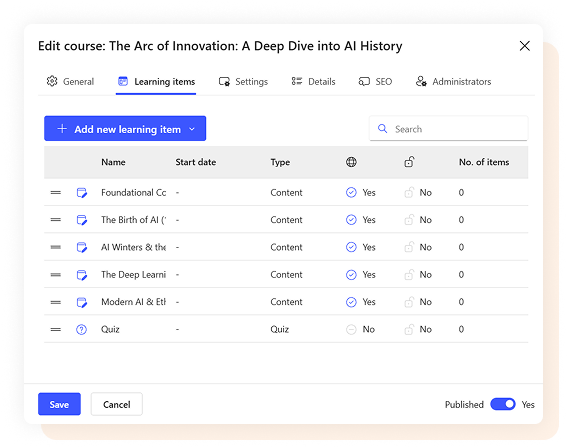
Creating a course is more than adding content. MyLearningDay lets you organize learning activities and define how learners progress through the training.

Organize content and activities into a clear learning structure.

Define the order in which learners complete individual course elements.

Set the requirements learners need to meet to complete the training.

Configure passing scores, attempts and how assessment results are presented.
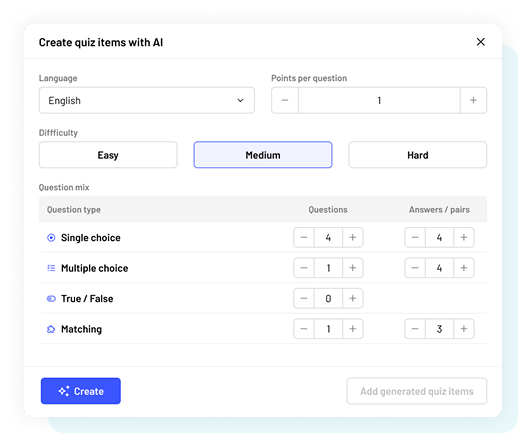
Use AI features built directly into MyLearningDay to help create course structures, generate assessments and build interactive learning activities.
AI supports course authors where it can save time, while generated content can still be reviewed, edited and developed using the standard course authoring tools.
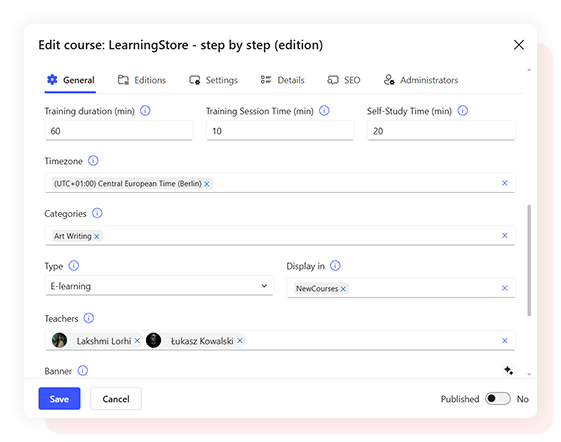
Your work does not end when the course content is ready. Once created, you can configure how the training is delivered and start managing the entire learning process.
Choose whether a course should appear in the training catalog, enable self enrollment or assign it to selected learners and groups. Define completion dates, enrollment limits and completion requirements.
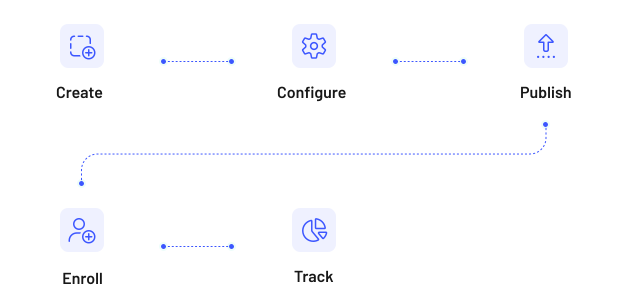
You don’t have to stop at exporting the finished course. Once the content is ready, you can immediately configure how the training will be delivered and launch it.

Create onboarding, mandatory training and employee development programs.

Share up to date knowledge with partners, resellers and other external organizations.

Publish courses in your training catalog and include them in your commercial training offer.
Yes. MyLearningDay lets you build courses using different types of learning content and activities without requiring the entire course to be created in a separate authoring tool.
Yes. SCORM packages can be included as course elements, allowing you to reuse existing e learning content created with external authoring tools.
Yes. Courses can include assessments with different question types and settings for scoring, passing requirements and the number of attempts.
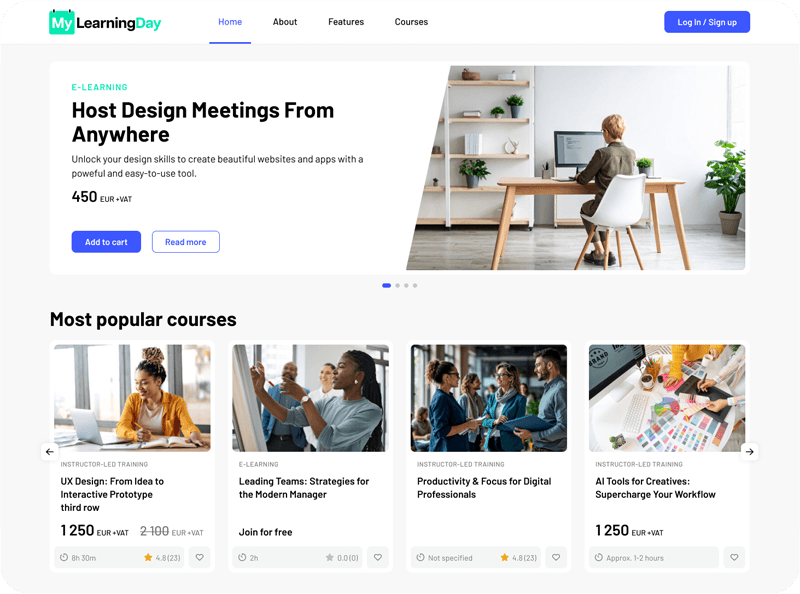
Build courses, publish them and manage the entire training process without moving between multiple systems.